ZH
ZH  EN
EN  FR
FR  ES
ES  JA
JA  KO
KO  PT
PT  AR
AR  FA
FA  RU
RU  NL
NL  MS
MS  VI
VI  PH
PH  TH
TH  ID
ID 


MetaTrader 4 (MT4) is one of the most commonly used trading platforms around the globe. For years now, millions of traders of all experience levels have trusted MT4 for their trading, whether in forex or other markets. Its easy-to-understand interface, fast execution and advanced tools for chart analysis, order placement and trade management are what make it popular.
If you are a beginner trader, MT4 may seem a bit complex but once you become familiar with the basics of how it works, it is pretty straightforward and reliable for everyday use.
In this article we will go through the basic features of MT4 so that you can start trading with confidence.
What is MetaTrader 4?
As already mentioned, MetaTrader 4 is a very popular online trading platform that many traders use to place their trades with their forex brokers. With this platform, you can trade CFDs on forex, indices, shares, commodities and other markets.
With its own programming language, MQL4, traders can create tailored indicators and Expert Advisors (EAs) which are automated trading tools. EAs can scan the market looking for trading signals and can also place trades automatically based on the rules you had set.

Another reason so many traders choose MT4 is because it works on various operating systems like Windows, Mac and Linux. This makes it accessible to almost all traders. MT4 is very easy to use, offers powerful analysis tools and allows traders to customise the platform based on their trading style and needs.
You can also use it on the web or though the mobile app, so you manage your trades wherever you are. All in all, MT4 gives traders of all experience levels a simple yet strong and trusted way to trade the markets.
What can you trade on the 交易平台 ?
MetaTrader 4 gives access to multiple market types, which is another reason why traders of all levels choose it. Most beginner traders start with forex. You can trade major, minor and exotic currency pairs by speculating how one currency will move against another.
Well-known precious metals like gold or silver and famous commodities like oil and gas can also be traded on MT4. In fact, a lot of traders are actually choosing MT4 to trade gold. The platform also gives you access to major global indices like the FTSE 100, Nasdaq or S&P 500. Indices allow you to follow the overall market rather than single companies.
In addition, you can trade popular company shares via CFDs to make the most of price movements without owning the underlying stocks.
How can traders use MetaTrader 4?
Even if you are new to this industry, learning to use MetaTrader 4 is quite simple. Prior to starting, you should register with a broker and open a trading account with them. Then you should choose your preferred account type and download MT4 to your device. You can install MT4 on various devices and mobile directly from Google Play or App Store.
Once you install the platform, you can log in using the username and password provided by your broker. If you are new and would like to test your strategies first, you can always open a demo account.
When the platform opens, you will see some main sections including the Market Watch, which shows all available trading instruments and live prices.
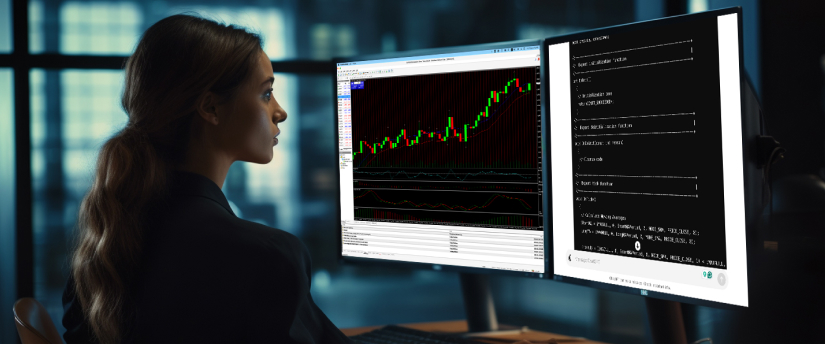
The Navigator is where you manage your accounts, indicators and EAs while the Chart area is where you see price movements and where markets analysis occurs. If you want to add indicators, change timeframes or customise the chart’s appearance, you can right-click on any chart.
How to place your first order in 交易平台?
Placing your first order on MT4 is pretty simple. On the top menu you click New Order or right-click on an instrument in Market Watch. Then, you choose your preferred trading instrument, determine the trade size, ( lots or volume) and choose whether you want to buy or sell, that is go long or short.
Adding your stop-loss and take-profit orders is also possible before confirming the trade. A market order will go through instantly, while a pending order stays until your set price occurs.
After opening your trade, use Terminal window to monitor and manage it. To change an open trade, you should right-click on it and choose Modify, which enables you to change and adjust your risk management levels or any other settings. To close your trade at any time, you can right-click on it and select Close.
MT4 can also close your trades for you, either with stop-losses or take-profits or through EAs.
Once you are more confident, you can use more advanced features like automated trading, strategy testing and personalised indicators. All these features will help you analyse the market more efficiently and effectively, and help you to making smarter trading decisions.
7 top features of MetaTrader 4
Built-in & custom indicators
MT4 comes with over 30 technical indicators that are useful in analysing the markets. These include Moving Averages, Bollinger Bands and RSI. There is always the possibility to create personal indicators or download additional ones from the MetaTrader Market.
Expert Advisors (EAs)
As mentioned earlier, EAs are automated trading tools that place trades depending on the specified rules. It is always possible to build your own with the MQL4 language or even download already existing EAs from the MetaTrader Market.
One-click trading
The MetaTrader 4 platform allows instant opening of trades with just one click, making it extremely helpful during times when the market is moving fast, and you need fast execution.
Multiple timeframes
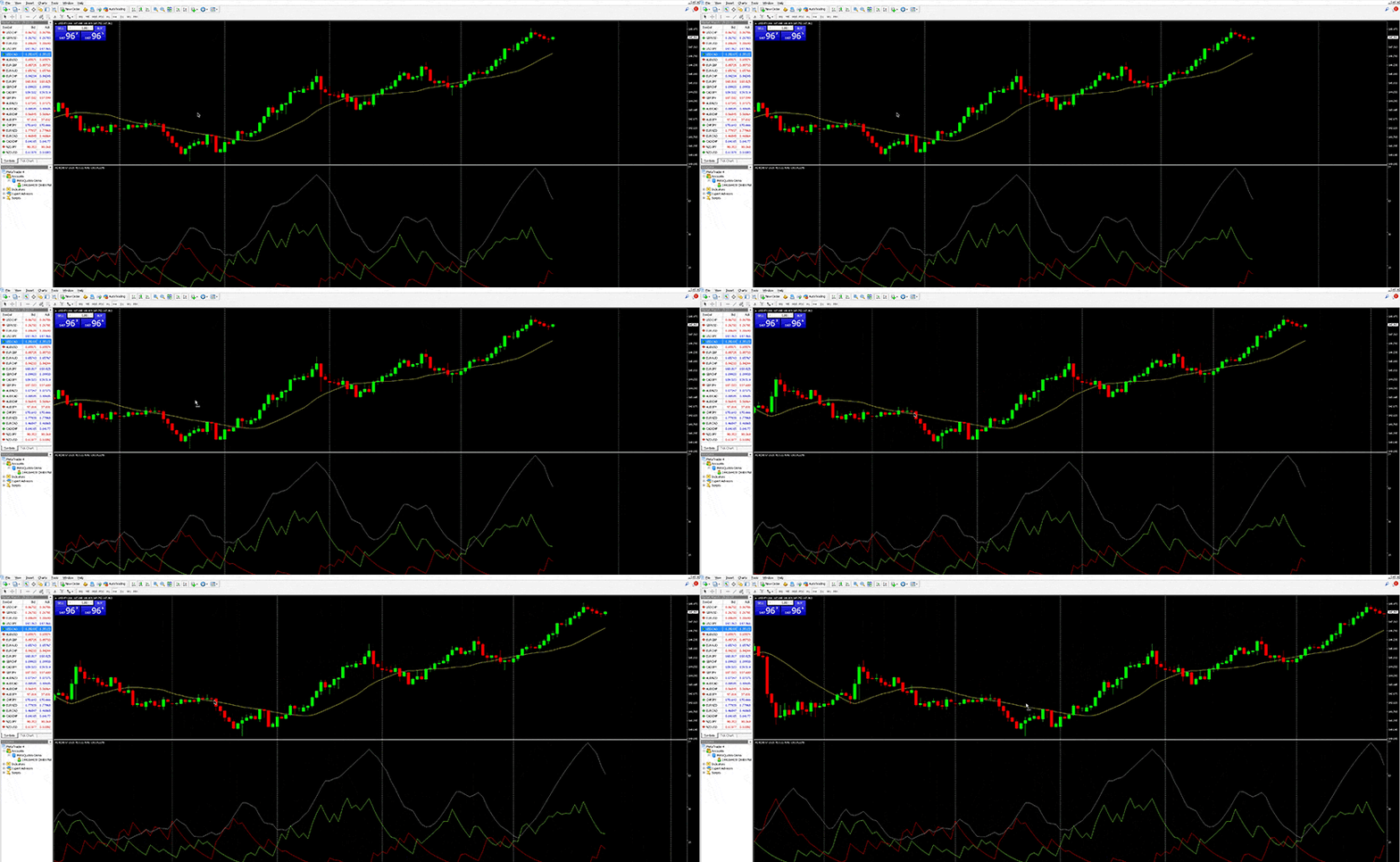
Chart analysis can happen in various timeframes like 1 minute, 5 minutes, 1 hours, every day or every week. This way, both short-term and long-term market trends can be spotted.
Historical data
Previous price data is saved in MT4 and can be used to analyse market movements and practise your strategies. If needed, you can always import or export this data.
Internal mailbox
There is a built-in email system included in MT4 which allows you to communicate with your broker, get alerts and other key updates directly from inside the platform.
Signals & copytrading
MT4 enables you to also follow other traders and automatically copy their trades by clicking the signals button at the top of the platform to subscribe.
Device availability
You can use MT4 on your phone, tablet or desktop device. Desktop users can also use the web version, also known as MT4 WebTrader that allows traders to trade from any internet browser without any additional software required.
Final thoughts on MetaTrader 4
Getting to know the basics of the MetaTrader 4 platform is a key step for new traders. The platform is easy to use and comes with reliable tools that help you become familiar with how the markets work and move, place trades and stay on top of your strategy. The more practice you get and the more you explore the platform, the easier it will be to trade and the more confident you will become when using it.
免责声明: 本信息不被视为投资建议或投资推荐, 而是一种营销传播. IronFX 对本信息中引用或超链接的第三方提供的任何数据或信息概不负责.