FA
FA  EN
EN  FR
FR  ES
ES  JA
JA  KO
KO  PT
PT  ZH
ZH  AR
AR  RU
RU  NL
NL  MS
MS  VI
VI  PH
PH  TH
TH  ID
ID 

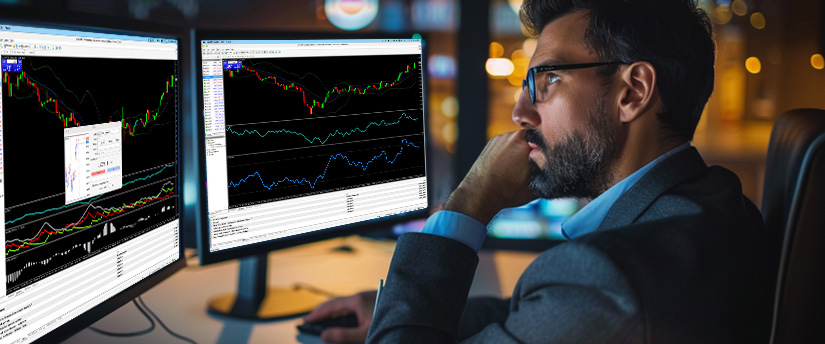
Finding the best day trading app for beginners can be a little tricky, as not all of them are designed with beginners in mind. Some platforms can feel overwhelming, especially if they expect you to already understand things like charts, margin accounts, and different order types. If you’re just getting started, that can make the whole experience exhausting.
The best day trading app for beginners should do a few things well:
- Have a clean, easy-to-use interface without too much going on
- Include helpful educational resources, tutorials, or even a demo account
- Give you access to real-time prices and simple charting tools
- Offer customer support that’s easy to reach when you need help
If an app doesn’t offer these basics, it may be better suited to experienced traders rather than someone who’s just starting out.
The Right App Can Make Your Life Easier
Something that’s easy to overlook when you’re starting out is just how much your trading app can affect the way you learn. A confusing or overly complicated platform can make things harder than they need to be and may even lead to avoidable mistakes. On the other hand, a well-designed app can help you learn the basics and build good habits from the start.
Day trading can move quickly. Prices can change within seconds, so you need an app that lets you act without getting in your way. If you’re trying to find an order button or figure out a cluttered screen while a trade is moving, it can quickly become frustrating. The platform should make trading easier to navigate, not add another challenge.
Demo Accounts: Your Best Friend as a Beginner
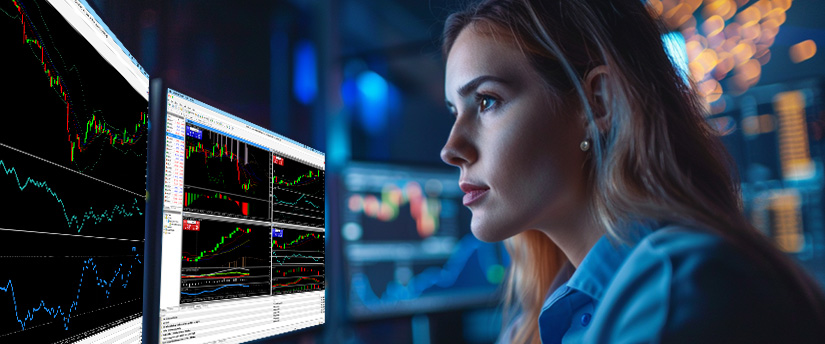
Before you put any real money at risk, it’s a good idea to get some practice in first. A demo account lets you trade with virtual money while following real market conditions, giving you a chance to learn how everything works without the pressure of losing your own cash.
Demo accounts are especially useful when you’re starting out. They give you a chance to see how orders work, understand how prices move, and get a feel for how emotions can affect your decisions. In simple words, you can make mistakes, try different strategies, and learn at your own pace without any financial consequences. Once you’re comfortable with the platform and ready to take the next step, you can move to a live account.
Key Features to Look for in a Day Trading App
| Feature | Why it matters |
| Demo account | Lets you practise without risking real money |
| Easy interface | Makes placing and managing trades simpler |
| Charting tools | Helps you understand price movements |
| انواع سفارشات متعدد | Gives you more control over entries and exits |
| Transparent fees | Helps you understand the true cost of trading |
| Educational resources | Supports the learning process |
Charting and Analysis Tools
You don’t need twenty indicators on your screen to get started. Too much information can quickly become confusing. As a beginner, look for an app with easy-to-read candlestick charts, volume data (often tick-based on retail platforms), and common indicators such as moving averages.
The best day trading app for beginners should keep charting simple but useful, so you can learn to read price action without getting overwhelmed.
Order Types and Execution
Getting comfortable with different order types is essential. A market order generally executes at the current available price, while a limit order only fills at your chosen price or better. Stop-loss orders can help manage risk by closing a position if the market moves against you.
A beginner-friendly app should explain these options clearly and make them easy to use. Some platforms also support MetaTrader 4 (MT4) یا MetaTrader 5 (MT5), which offer a range of order types and built-in trading tools.
Mobile vs Desktop
Most beginners start with a mobile trading app because it’s convenient and easy to use on the go. That’s perfectly fine, but keep in mind that mobile apps can have fewer charting and analysis tools than desktop platforms.
Ideally, choose an app that works well on both. That way, you can quickly check your positions from your phone while using your desktop for more detailed analysis when you need it.

Common Mistakes Beginners Make When Choosing an App
Choosing a trading app just because it looks good is an easy mistake to make. A sleek design doesn’t necessarily mean the platform will perform well when markets get busy. Take some time to read reviews, try the demo account, and see how the app handles fast-moving markets before making a decision.
It’s also important not to overlook fees. Spreads, commissions, and overnight financing costs can quickly add up, so compare them carefully before committing. The best day trading app for beginners should be upfront about its costs, with no unpleasant surprises hidden in the fine print.
Finally, try not to overcomplicate things. It can be tempting to fill your screen with indicators and advanced tools before you’ve even made your first trade. Start with the basics, learn how one or two tools work, and build from there.
What a Beginner-Friendly Trading Platform Should Offer
A beginner-friendly trading platform should give you access to the markets you want to trade without making the process unnecessarily complicated. Depending on the provider, you may be able to trade markets such as forex, commodities, indices, stocks, or other financial instruments from a single platform.
Look for features that make it easier to learn and manage trades, including clear charts, different order types, risk-management tools, and straightforward account navigation. Platforms such as MetaTrader 5 (MT5) also offer a wider range of charting and trading tools for those who want to explore more advanced features as they gain experience.
Educational resources can also be useful when you’re starting out. Tutorials, guides, market explanations, and demo accounts can help you understand how the platform works and practise trading before moving to a live account.

Getting Ready For Your First Trade
Choosing the best day trading app for beginners is a good starting point, but there’s still a little preparation to do before putting real money on the line. Before your first live trade, make sure you:
- Practise with a demo account until basic order types feel comfortable
- Learn how to set a stop-loss before opening a position
- Understand the fees and costs involved with each trade
- Decide beforehand how much you’re comfortable risking on a single trade
These steps might not be the most exciting part of trading, but they can help you avoid unnecessary mistakes. Taking a little time to prepare can make the transition to live trading feel much more manageable.
Finding the Best Day Trading App for Beginners
Choosing the best day trading app for beginners comes down to finding a platform that makes getting started feel manageable. You don’t need to master everything at once. The right setup can give you the space to learn, practise, and gradually become more comfortable with trading.
Look for an app that offers a demo account, access to the markets you’re interested in, useful trading tools, and educational resources. Taking the time to compare these features can help you find a platform that suits your experience level and trading goals.
DISCLAIMER: This information is not considered as investment advice or an investment recommendation, but is instead a marketing communication.